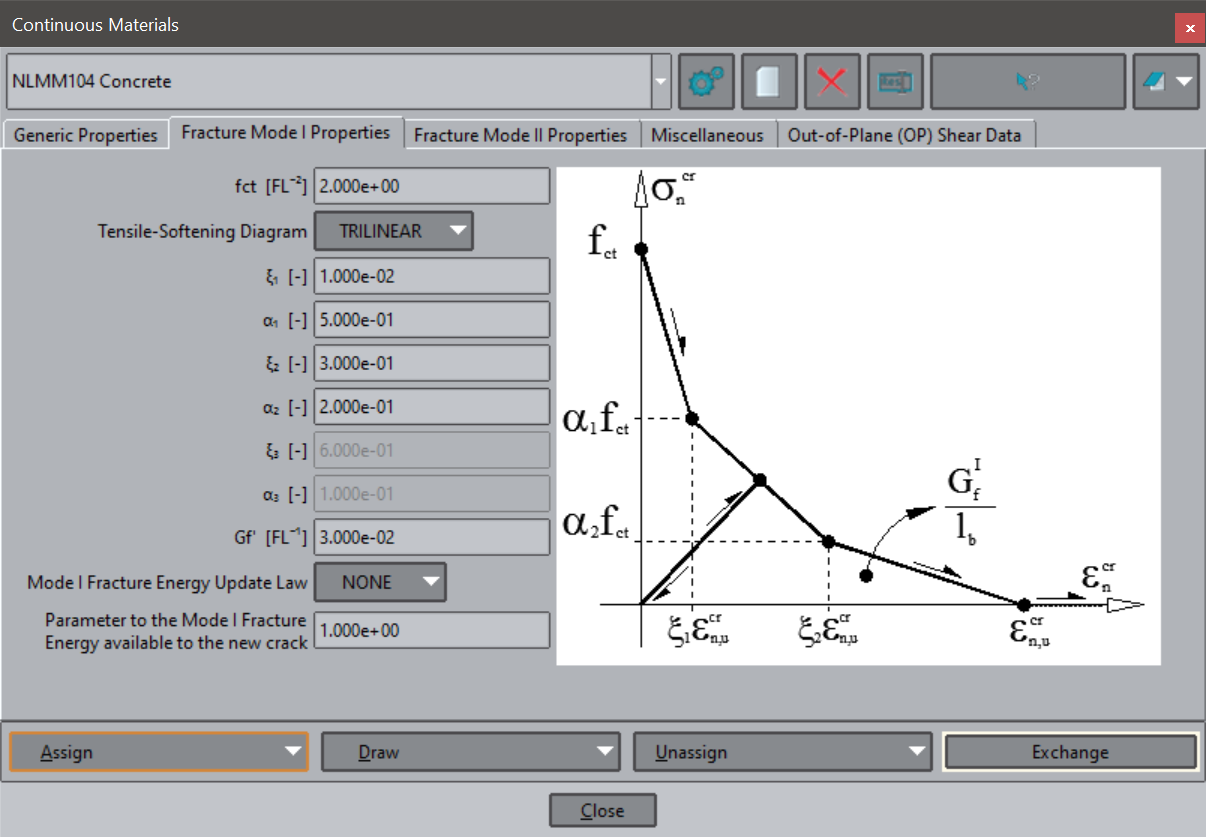
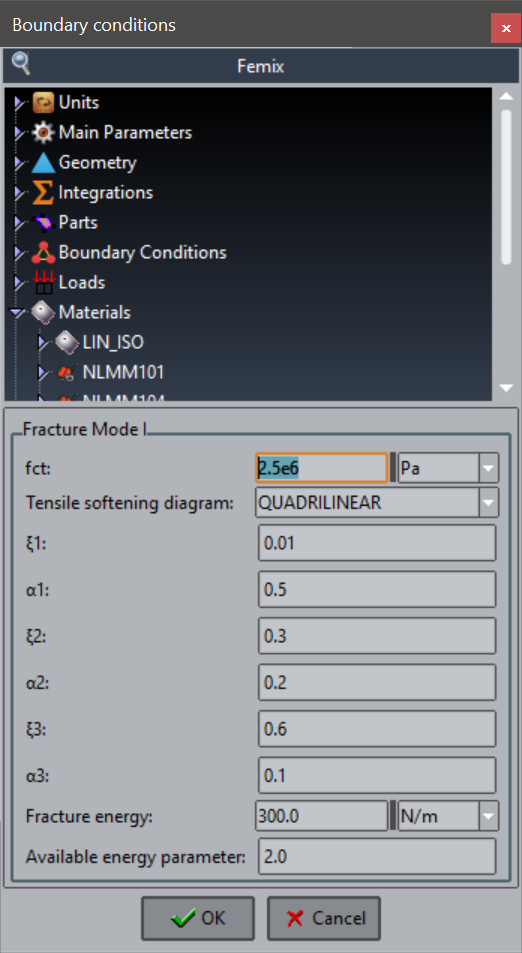
I am now rewriting our problem type using the new system (based in the CustomLIB library). I suppose it is not possible to add images to the tree, so what do you suggest? What is the best way to convert this old dialgo to the new problem type system?
You are right, you can not add images in that window.
The nearest you can approach, if you think that the image is relevant, is to create some kind of window, like the one we show in this cmas2d_wizard example.
As you can see in the readme.md , this repository extends a customLib problemtype, with the tree, and adds a window to assign properties to the tree. In your case, you could create a window to assign the material properties. Check the step 2 and see how we take the values from the window to place them into the tree
If you are interested, I could explain you how to create a toolbar and add a button, so you could launch your own windows that interact with the tree
Many thanks for your reply. I will have a look at the repository. Yes, I would appreciate if you could explain me how to launch my own windows that interact with the tree. This method seems to be a good alternative to implement the material database, in opposition to implement it as nodes of the tree.
There is a more simple option,
copy the image to a folder named images inside the problemtype
and add to the .spd the attribute
help_image=“your_filename”
e.g.
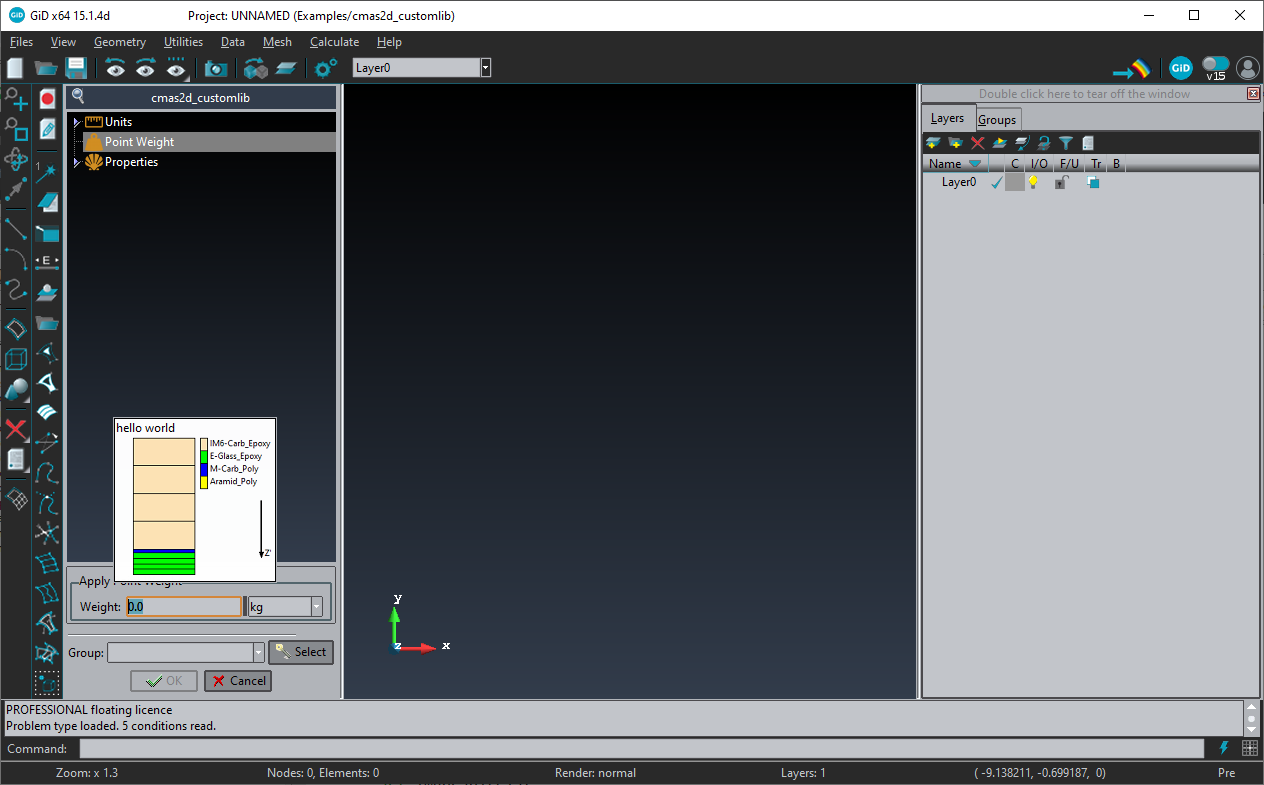
help=“hello world” help_image= "laminates.png
then the image will appear below the contextual help text, like this