I could reproduce your problem with GiD 16.1.6d. It has been solved by now and for the next version. This problem was not present in GiD 16.1.5d.
in your GiD version 16.1.6d, just go to postprocess and read the model:
just open GiD,
go to Postprocess ( Files → Postporocess)
and read your model ( Files → Open)
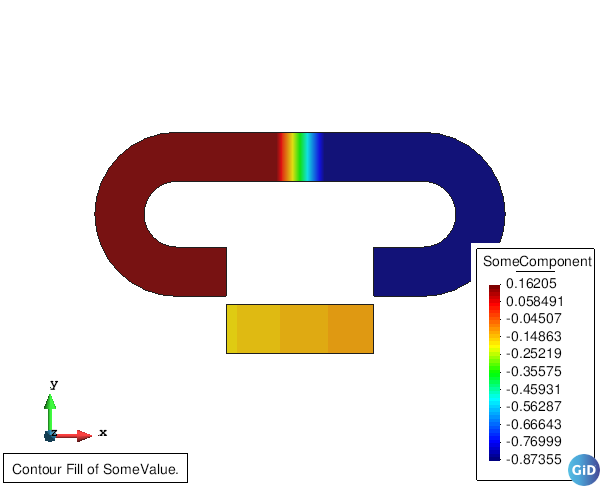
now you can do a Contour Fill ( View results → Contour Fill → SomeValue) for instance:
The merge process you did may not do what you want:
you read the mesh in pre, when going to postprocess in maintains the mesh from pre-
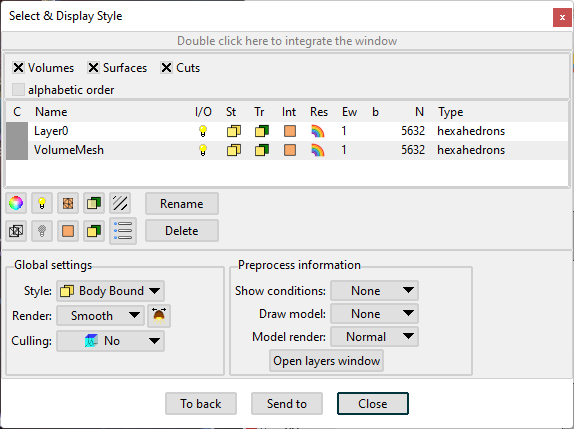
then, in postprocess, when you do ‘Files → Merge’ it read again the mesh with the results and merges it with the mesh gid already has from preprocess, so you end up with 2 meshes (in 2 separate sets) instead of one: