Hello
I am a new user for GID.
I draw a mesh by GID, calculate by Elmers, and preview the results in GID again.
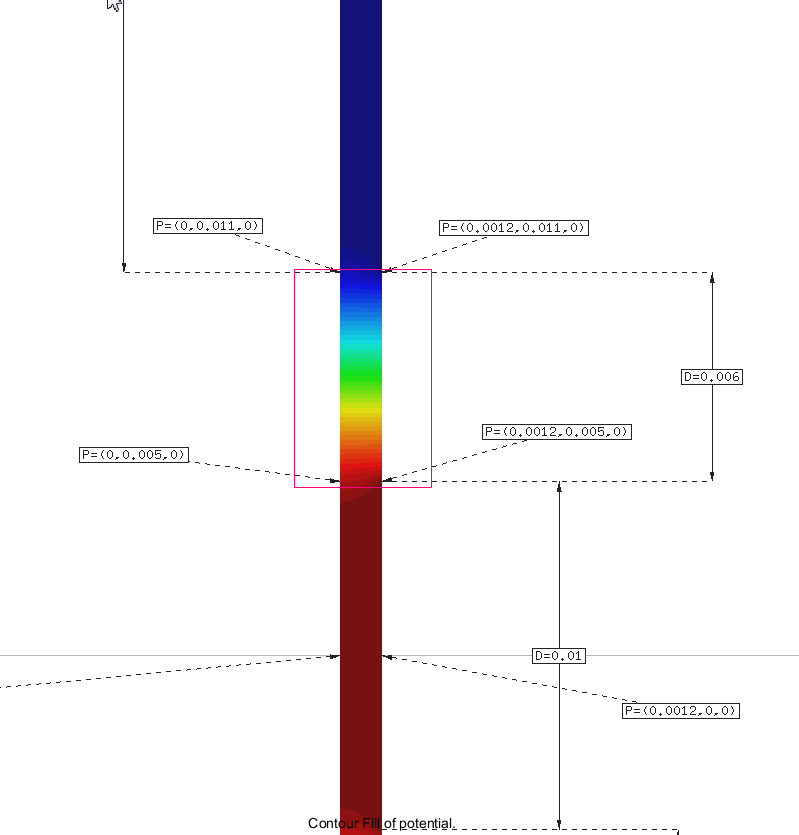
I am wondering how can I extract the raw data from a specific area (as shown in the attached image – in the rectangular line)
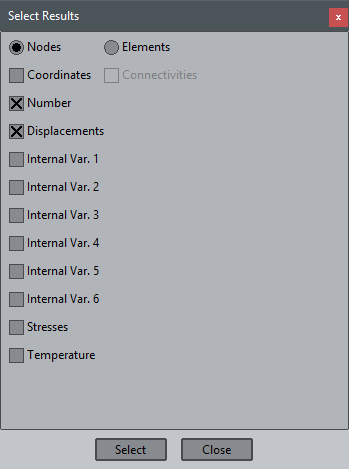
Is it possible to present the data just for the specific area and import the node parameter, Ex Ey and E from that area into the new excel file?
Is there a tool of GID for this process.?
Thank you